
The connection field guide
Know what
connects.
Find the port. Understand the difference.
Check the connection—not just the plug.
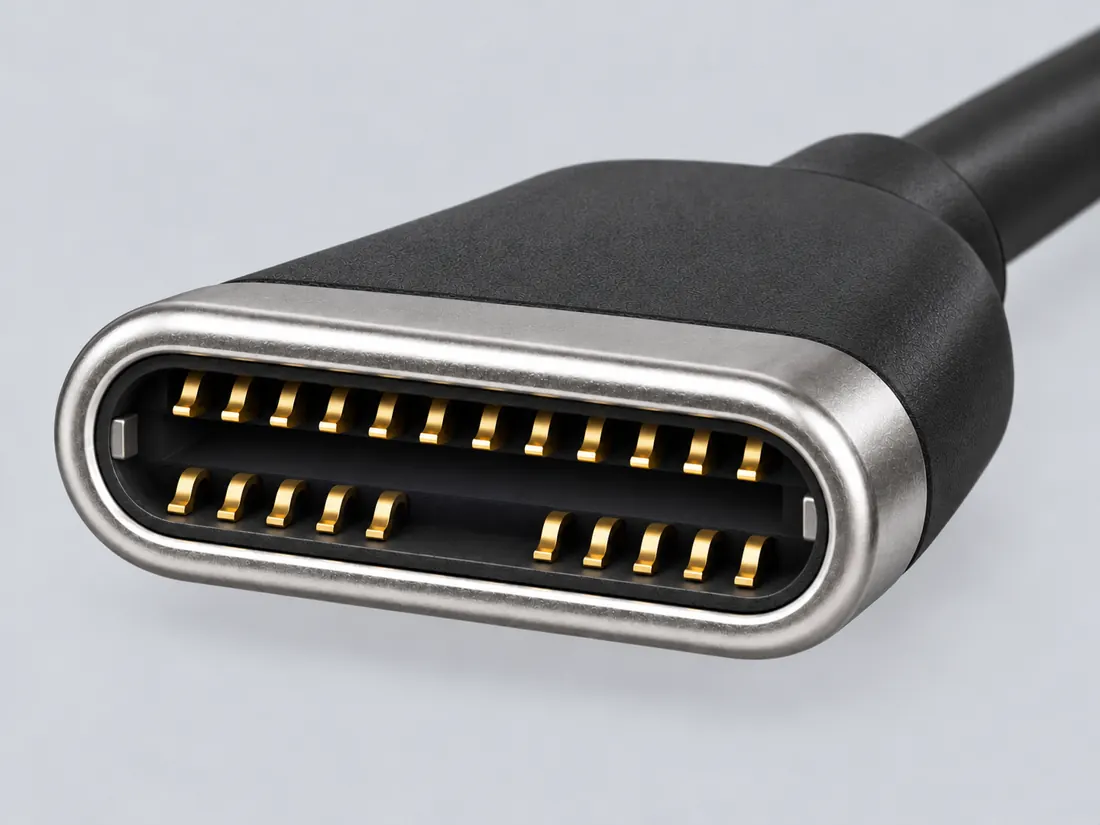
Not to scale · technical and rights review pending
Quick answer
Can I connect…
Pick both ends. Get a direct answer, the cable or adapter you need and what must be true.
PopularUSB-C to HDMIDisplayPort to HDMIHDMI to USB-CUSB-A to USB-CAll 48 pairs →
01 / Visual identification
Don't know the name?
Start with the shape.
See how look-alike plugs and receptacles differ. A plausible form is a starting point, never a fit or electrical approval.
See all 10 visual contrasts →Identify a connector
An unfamiliar port or cable end? Start with the clues you can see.
Find by shape & markings02 / START HEREUnderstand the difference
Know the name? Read the reference or compare two similar forms.
Explore the atlas03 / START HEREWork through a connection
Start with your task. Check the devices, cable and missing requirements.
Check your next step02 / The visual atlas
A familiar form.
A better understanding.
226 connector forms.
Browse the visual studies ↗

USB Type-C
Read the reference
USB Type-A
Read the reference
HDMI Type-A
Read the reference
DisplayPort connector
Read the reference
BNC connector
Read the reference
ST fiber connector
Read the referenceNot to scale. A picture does not establish performance or compatibility.
03 / Make the distinction
Similar isn’t
the same.
Compare the form, the documented facts and what still needs checking.
All 130 reference comparisonsMini HDMI vs Micro HDMI
Type-C Mini and Type-D Micro are distinct HDMI connector forms.
02FC vs ST fiber connectors
Distinguish the documented FC key/adapter arrangements from the ST bayonet example. A hybrid sleeve does not settle polish, fiber type or optical loss.
03DVI-D dual-link vs DVI-I dual-link
DVI-D and DVI-I use related shells but have different contact arrangements. The analog-contact area is a key physical distinction.
04 / Useful answers
The questions behind
the connection.
Power is not a data rate.
Read USB-C cable markings without combining watts and data capability.
Read the answer FIELD QUESTION / 02A matching key is not the whole story.
Separate M.2 form, interface, protocol and exact-host requirements.
Read the answer FIELD QUESTION / 03Same shape. Different job.
Explore the Nikon Z 8’s separate USB data and power connectors.
Read the answerA reference, not a guess
Useful facts.
Visible limits.
Every reference keeps its evidence and unanswered questions close by. A matching shape is a starting point—not proof that a connection will work.
Coverage is not independent review or hardware testing.
How to read the evidence